1. Choose a format
Use 5×5 for a full session with a free center square, or 4×4 for a shorter race. Pick a theme that matches the game, episode, tournament, card opening, or challenge you are playing.
Build a playable Pokemon Bingo card in seconds. Choose a classic 5×5 board or a faster 4×4 card, select a theme and difficulty, then click each square as you complete it. The browser-based generator works for solo runs, races, streams, draft nights, and watch parties.
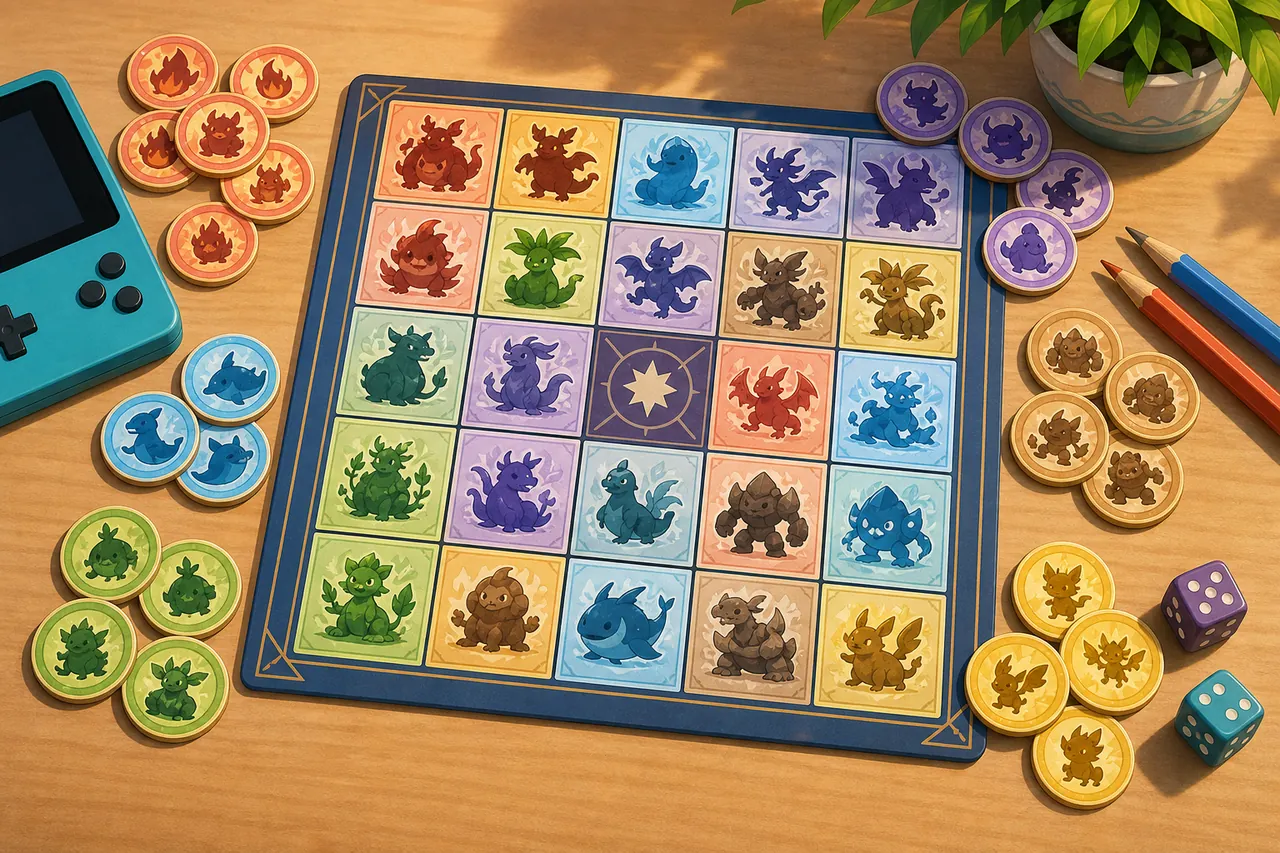
Use the controls to create a fresh card. Every card mixes observable events, team-building choices, battle goals, exploration milestones, and collection tasks. Generate separate cards with the same settings when several people play together.
Click a square whenever you complete it. The center FREE space is already marked on 5×5 cards.
Pokemon Bingo works best when the group agrees on the game, time limit, allowed methods, and victory pattern before the first turn.
Use 5×5 for a full session with a free center square, or 4×4 for a shorter race. Pick a theme that matches the game, episode, tournament, card opening, or challenge you are playing.
The tool shuffles a broad task pool and filters it by difficulty. Generate one card per player with identical settings so the routes differ while the overall challenge stays comparable.
Mark a square when the event happens. Decide whether a win means one line, four corners, an X, two lines, or a complete blackout. Stop the timer as soon as the agreed pattern is complete.
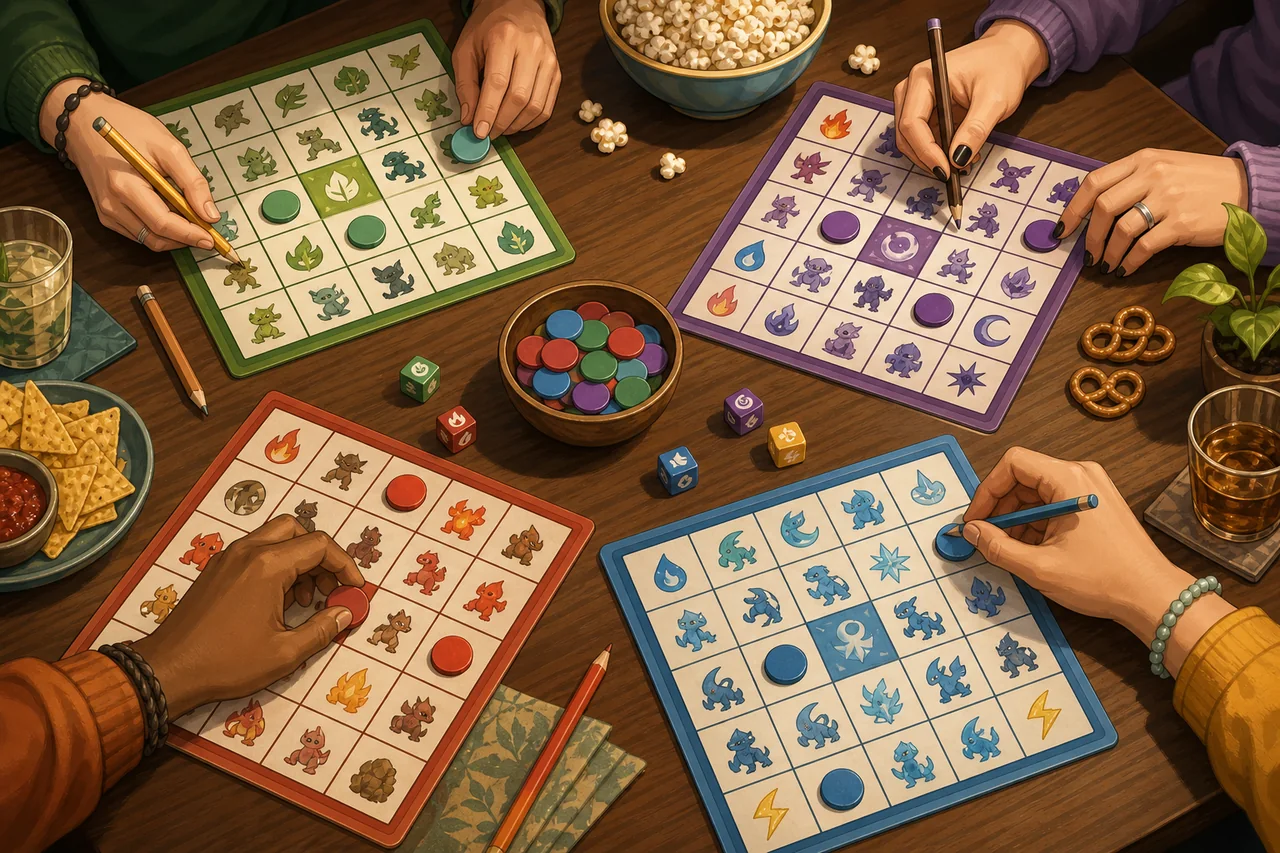
For a one-hour race, use a 4×4 card and award the win for the first completed line. For a longer playthrough, use 5×5 and require two lines or a blackout. Streamers can let viewers vote on the theme, while leagues can create a new card for each round.
A short rules check improves every card, especially when players use different games or custom challenge rules.
Older games, spin-offs, TCG openings, anime watch parties, and modern main-series games do not offer the same events. Reroll any impossible task before play begins.
Decide whether trades, gifts, raids, rematches, evolutions, repeated encounters, and outside assistance count. Write down exceptions before starting.
Easy cards favor common discoveries. Hard cards add rarer events and stronger battle goals. Balanced mode mixes progress, observation, planning, and chance.
Pokemon Bingo turns familiar game events into squares on a card. Players mark goals such as catching a new type, winning with a status move, finding an item, or completing a team milestone.
No. This independent fan-made generator is not affiliated with Nintendo, Game Freak, Creatures, or The Pokemon Company.
Yes. Choose battle or mixed tasks, reroll anything that conflicts with your rules, and agree how captures, fainting, and encounter limits affect each square.
Use the same size, theme, difficulty, timer, and victory pattern. Generate a separate shuffled card for every player and allow the same number of pre-game rerolls.
Yes. Print Card opens the browser print dialog and hides the surrounding page so the board can be printed or saved as a PDF.
Marks remain while the page stays open, but they are not stored permanently. Copy or print the card before leaving if you need a record.